
You sat down to answer three emails and forty-five minutes later you’re still staring at the same inbox tab, except now you’ve also noticed the tangle of charging cords under your desk, the stack of mail you meant to deal with last Tuesday, and the fact that you’re facing directly into the living room where your dog is doing something suspicious. None of that was on your to-do list. Your brain just added it anyway.
This happens because most work-from-home setups aren’t designed — they’re assembled. A laptop lands on whatever surface was open the week you started working remotely, and three years later you’re still working around decisions you never actually made.
Here are 12 ideas to fix that, one at a time. None require a renovation, a big purchase, or even a spare room. Pick what applies to your space and skip the rest — this isn’t a checklist you need to finish in one weekend.
Why Your Work From Home Setup Is Working Against You
Nobody plans their home office. It happens by accident — you needed a flat surface for a laptop, and the kitchen table or a bedroom corner was available. Fast forward, and that “temporary” spot is where you’ve spent thousands of work hours.
The problem is that an accidental setup doesn’t account for how your brain actually works. It doesn’t ask whether you’re facing a distraction, whether your supplies are grouped logically, or whether the space signals “work” versus “everything else in my house.” It just exists.
The fallout isn’t always obvious clutter. Sometimes it’s the fatigue that hits by 3pm for no clear reason, or the low hum of overwhelm when you sit down each morning. Sometimes it’s losing ten minutes searching for a charger that used to have a home.
The good news: none of this requires square footage. A studio apartment corner can support focus just as well as a dedicated office, if the setup is deliberate instead of accidental. That’s the whole idea behind everything below.
1. Claim a Zone, Even If It’s Not a Room
Your brain needs a physical cue that says “this is where work happens.” Without one, your desk blurs into the rest of your house, and so does your attention.
You don’t need four walls for this. A rug under your desk, a bookshelf angled to create a partial wall, or simply the same corner of the dining table used the same way every day — all of these create a boundary your brain learns to recognize.
If you’re renting or short on space, a folding screen or lightweight room divider does the job without any permanent changes. Set it up when you start work, fold it away when you’re done, and the ritual itself becomes part of the signal.
The consistency matters more than the materials. A closet nook you use every single day beats a nicer setup you switch up constantly.
2. Anchor the Desk Facing a Wall or Window, Not a Room
Where your desk points matters more than people expect. Facing into an open room means your eyes catch every bit of movement — a kid walking through, a partner grabbing a snack, the TV nobody turned off. Each glance pulls a small piece of your attention, even if you don’t notice it happening.
Facing a wall or window removes most of that. A window view gives your eyes somewhere neutral to land during a thinking pause, without pulling you into whatever’s happening in the rest of the house. A wall works almost as well — it’s just visually quiet.
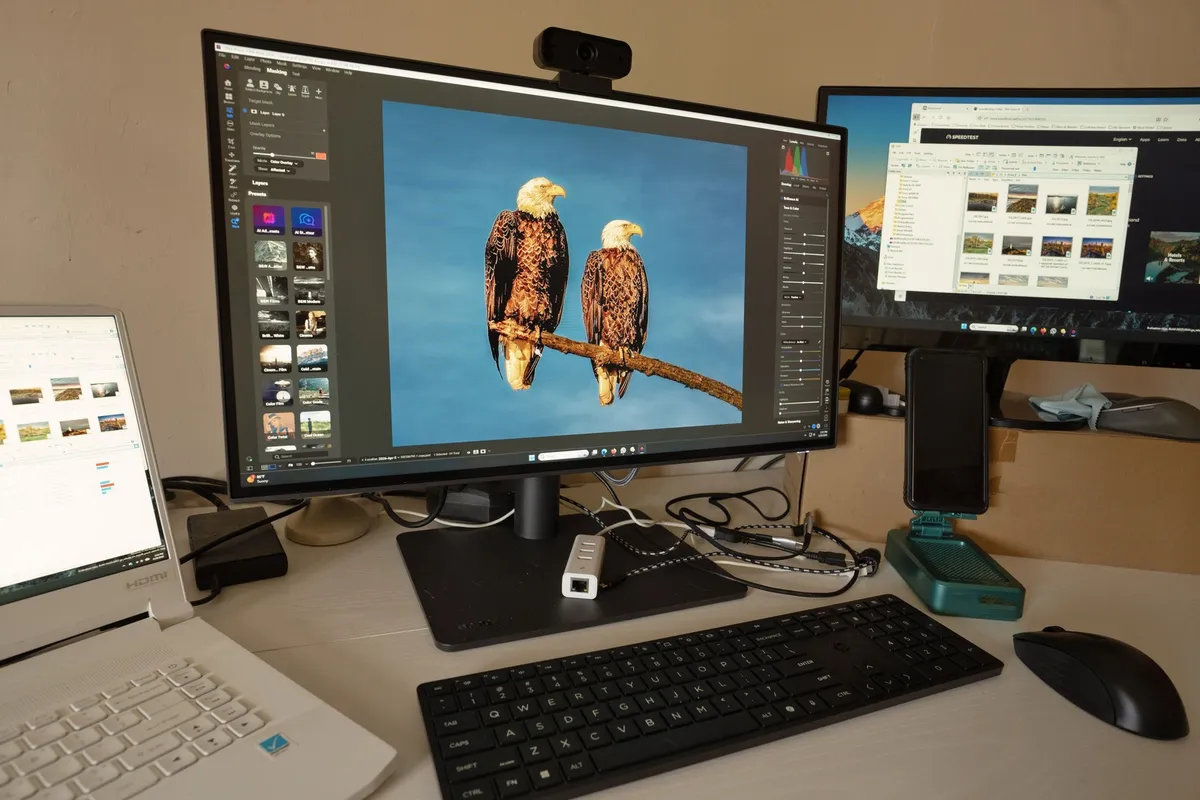
If your room’s layout forces you to face the space — maybe there’s only one outlet, or one spot with decent light — a small vertical divider or even a tall plant on the desk’s edge can block the worst of the visual noise without blocking airflow or light.
3. Get Everything Off the Desk That Isn’t Daily-Use
Desks are magnets for things that have nowhere else to go. Mail, spare chargers, a coffee mug from three days ago, a stapler you used once in 2022 — it all accumulates because putting it down is easier than putting it away.
The fix is a simple daily-use test. If you don’t touch something every single day, it doesn’t belong within arm’s reach. That includes the “just in case” items — the extra notepad, the backup pen cup, the reference binder you haven’t opened in months.
Here’s what usually passes the test: your laptop, one notebook, a pen, maybe your phone charger. Everything else — the stapler, the extra cables, the random desk toys — goes into a drawer, a tray, or storage elsewhere in the room. Desktop organizer trays are a cheap way to corral what’s left without it sprawling across the whole surface.
Watch out for the “just for now” trap. Things set down “just for now” have a way of becoming permanent desk residents within a week.
4. Use Vertical Space Before You Buy More Furniture
If your desk feels crowded, the instinct is often to buy a bigger desk or an extra shelving unit. Try your walls first. Vertical space is almost always underused, and it’s usually free real estate you’re already paying for in rent or mortgage.
Wall shelves above the desk hold books, reference binders, or a small printer without eating into your work surface. A pegboard gives you a flexible spot for hanging supplies, headphones, or small tools, and you can rearrange it as your needs change. Command hook organizers work for lighter items — a set of hooks for cords, a small basket for pens, a mounted mail sorter.
The advantage for renters specifically: most of these options go up without drilling and come down without patching. That makes vertical storage one of the lowest-risk upgrades you can make to a WFH setup, especially if you’re not sure how long you’ll be in the space.
5. Separate Cord Chaos With a Dedicated Power Station
Ask anyone what stresses them out about their home office, and cords come up fast. Tangled charging cables under a desk don’t just look messy — they make simple tasks like unplugging a laptop or finding the right charger take way longer than they should.
A cord tray or a small box placed under the desk gives your power strip and cables one contained spot instead of a sprawl across the floor. Some cord organizers mount to the underside of the desk itself, keeping everything up off the ground entirely.
One habit that pays off more than people expect: label both ends of each cord. Not just the plug end — the device end too. That way, when you’re mid-video call and need to unplug something fast, you’re not tracing a cable across the floor trying to figure out what it connects to.
6. Build a ‘Landing Zone’ for Daily Carry Items
Keys, your work badge, headphones, a water bottle — these are items you touch every day, but they don’t belong scattered across your desk, your kitchen counter, and your car cupholder depending on the day.
Give them one consistent spot. A small tray or shallow basket near your exit path — by the door, on an entryway table, or on a shelf right next to your desk — works better than trying to remember where you set things down.
This one habit prevents the morning scramble that eats into your actual start time. Instead of hunting for headphones two minutes before a call, you grab them from the same spot you always do, because that’s the only place they ever end up.
7. Sort Supplies Into Categories, Not Piles
A pile is not a system. If your desk drawer is a mix of pens, old receipts, spare batteries, and a phone charger cable, you’re re-sorting through the same mess every time you need one specific thing.
Group your supplies by function instead:
- Writing tools — pens, pencils, highlighters, sticky notes in one bin
- Tech accessories — chargers, cables, a spare mouse, headphone adapters in another
- Paper supplies — envelopes, stamps, notepads, printer paper grouped together
- Mail and to-file items — kept separate from everything else, ideally in a tray you check weekly
Small bins or drawer dividers keep these categories from drifting back into one another. Without dividers, even a well-sorted drawer slowly re-blends into chaos within a couple of weeks.
Set a five-minute weekly reset — Friday afternoons work well — to put stray items back into their category before they pile up again.
8. Add a Closed-Storage Piece for Visual Calm
Open shelving photographs beautifully. It also adds a layer of visual noise that competes for your attention while you’re trying to concentrate. Every item on an open shelf is something your eyes can land on and get distracted by mid-task.
A closed-storage piece solves this without hiding function. A small cabinet, an ottoman with storage inside, or a rolling filing cart all keep supplies accessible but out of your direct sightline. You open it when you need something, and it’s invisible the rest of the time.
If you like the look of open shelving, reserve it for a small number of intentional items — a plant, one stack of books, a single framed photo — rather than letting it become general storage. The goal is a shelf that adds calm, not one more surface to manage.
9. Set Up a Paper System Before Paper Piles Up
Paper clutter sneaks up fast, especially if you’re still getting physical mail, printing documents, or holding onto receipts “just in case.” By the time it’s an actual pile, sorting it feels like a project instead of a quick task.
A simple three-tray system heads this off:
- To-do — anything requiring action, checked daily
- To-file — things you need to keep but don’t need to act on, sorted weekly
- To-shred — anything with personal information you’re ready to get rid of, emptied regularly
The system only works if you sort weekly, not “eventually.” Fifteen minutes on a Friday keeps all three trays manageable. Skip a few weeks and you’re back to a pile that takes an hour to work through.
Where you can, digitize instead of filing. A scanned receipt or a photo of an important document often does the job without adding to your physical paper footprint at all.
10. Give Your Chair and Lighting Equal Priority to Your Desk
A cluttered desk gets noticed and dealt with because it’s visible. Poor lighting and an uncomfortable chair don’t announce themselves the same way — they just quietly wear you down over the course of a workday, showing up as fatigue, a stiff neck, or eye strain you chalk up to “just a long day.”
If you can, position your desk near a window for natural light during the day. Add a dedicated desk lamp for evening work or darker months — overhead lighting alone tends to be harsh and flat for close work like reading or typing.
For seating, a full ergonomic chair upgrade isn’t always in the budget, and that’s fine. A simple lumbar support cushion added to an existing chair solves a surprising amount of the discomfort, especially for lower back fatigue during long sitting stretches.
Small Desk Organization Ideas for Tiny Spaces has more on making a tight desk setup work harder without adding bulk.
11. Create a Shutdown Ritual That Resets the Space
The mess you leave at 5pm is the mess you sit down to at 9am the next day. That’s not just an aesthetics problem — starting your workday by cleaning up yesterday’s clutter puts you behind before you’ve even opened your laptop.
A five-minute shutdown ritual fixes this. Clear anything off the desk that doesn’t live there permanently, close your laptop, and return your daily carry items — headphones, badge, water bottle — to their landing zone. Wipe the desk down if you eat lunch there.
This ritual does double duty. Beyond the physical reset, closing your laptop and tidying the space is also a mental cue that the workday is done. Without a clear stopping point, work has a way of blurring into your evening whether you intend it to or not.
12. Keep One Surface Completely Empty
This sounds almost too simple to matter, but it might be the highest-payoff idea on this list. Pick one surface — a section of your desk, a shelf, the top of a filing cabinet — and keep it completely empty. Nothing lands there. Ever.
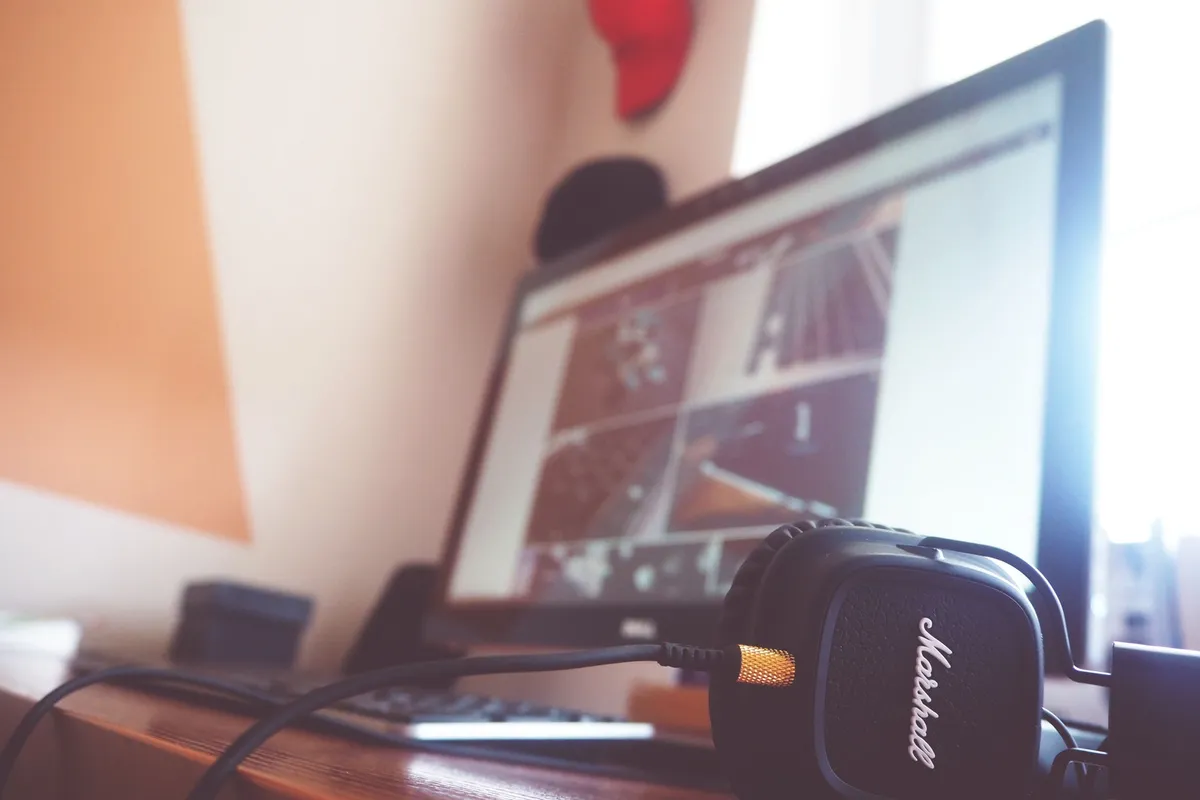
An empty surface acts as a visual reset point in a room that otherwise has a lot going on. When your eyes catch that clear space, it breaks up the visual clutter of everything around it, even if the rest of the room isn’t perfectly organized.
It also works as a practical clutter check. New items have a way of creeping onto empty surfaces first — that’s exactly why keeping one space off-limits, on purpose, prevents small piles from starting in the first place.
Common Mistakes to Avoid
- Buying furniture before rearranging what you have. A new desk won’t fix a desk facing the wrong direction — try repositioning what’s already in the room first.
- Treating “organizing” as a one-time event. Systems drift without a weekly reset; build the five-minute check-in into your routine instead of waiting for a big cleanup day.
- Hiding cords with tape instead of containment. Taping cables to the floor looks tidy short-term but doesn’t solve the tangle — a cord box or under-desk tray actually contains the mess.
- Letting open shelves become general storage. A shelf with ten random items adds visual noise. Keep it to a few intentional pieces and store the rest in closed bins.
- Skipping lighting and seating because they’re “not clutter.” Fatigue from bad light or an unsupportive chair drains focus just as much as a messy desk — don’t deprioritize comfort.
- Waiting for a spare room instead of working with the space you have. A defined corner used consistently outperforms an unused, half-finished home office plan.
FAQ
What if I don’t have a spare room for a home office?
You don’t need one — a defined corner, closet nook, or end of a table works fine if you treat it consistently as your work zone. Boundaries matter more than square footage.
How much should I spend on a work from home setup?
Very little, if anything. Most of the changes that improve focus are organizational — clearing surfaces, grouping supplies, hiding cords — not new furniture purchases.
How often should I reorganize my home office setup?
A quick daily reset takes a few minutes, but a full review works well monthly since work needs and supplies shift over time. Don’t wait until it feels overwhelming to adjust.
Where to Start With Your Own Setup
You don’t need to tackle all 12 of these this weekend. Pick one you can do in the next 15 minutes — turning your desk to face the wall, clearing everything off the surface that isn’t daily-use, or setting up a landing zone for your keys and headphones.
Small changes made consistently beat an ambitious overhaul that stalls out after day one. Try one idea, live with it for a week, then add the next. For more on taming a specific trouble spot, How to Organize a Home Office Closet and How to Manage Paper Clutter for Good both dig deeper into pieces of this same setup.
Revisit this list monthly, since what your work needs looks like in January might be different by June. Start tonight: pick the one idea that annoyed you most while reading this, and just do that one.