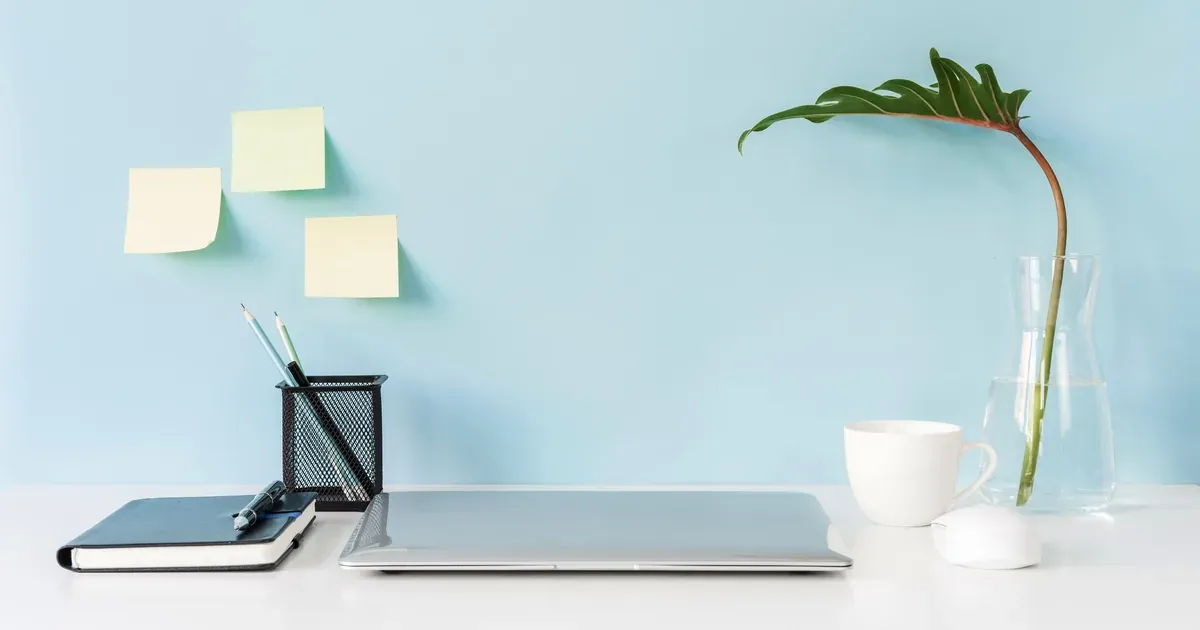
If you’ve been working from the kitchen table, the couch, or “wherever the laptop lands,” you’re not lazy — you just haven’t found a setup that works for your space yet. That’s exactly what this list is for.
These 12 remote work setups cover everything from a clutter-free corner desk in a studio apartment to a fully dedicated spare room office. No matter how much space you have or what your workday actually looks like, there’s something here you can build this week.
One quick note before you dive in: you don’t need to recreate any of these setups exactly. Think of each one as a framework. Steal the parts that solve your biggest problem and leave the rest.
Why Your Remote Work Setup Matters More Than You Think
Here’s something most productivity advice skips over: your physical environment makes decisions for you before you even sit down.
A cluttered desk signals “chaos” to your brain. Bad lighting causes fatigue that creeps up on you by noon. Working from the couch trains your nervous system to associate that spot with rest — which makes focused work harder every time you try it there. None of this is dramatic. It’s just how environments work.
You don’t need a dedicated room or an Instagram-worthy aesthetic to fix it. You need a defined zone — a spot that consistently means “this is where I work.” That boundary does more for your productivity than any app or planner.
The 12 setups in this list range from tiny and renter-friendly to full-room investments. Here’s the quick breakdown of what’s covered:
- Clutter-free corner desk
- Dual-monitor power setup
- Standing desk
- Murphy bed + desk combo
- Closet office (cloffice)
- Minimal laptop-only
- Video call-ready setup
- Paper-free digital setup
- Creative professional setup
- Shared family space setup
- Ergonomic health-first setup
- Dedicated spare room office
Find yours and build from there.
1. The Clutter-Free Corner Desk Setup
This is the setup most people should start with, especially if you’re working in a shared living space. A corner desk — whether it’s a small L-shape or just a compact table pushed into a corner — gives you visual separation from the rest of the room without requiring a dedicated space.
The key to making this work is ruthless restraint on the desktop surface. Limit yourself to three items: your monitor (or laptop stand), a notebook, and one supply holder. That’s it. Everything else lives somewhere else.
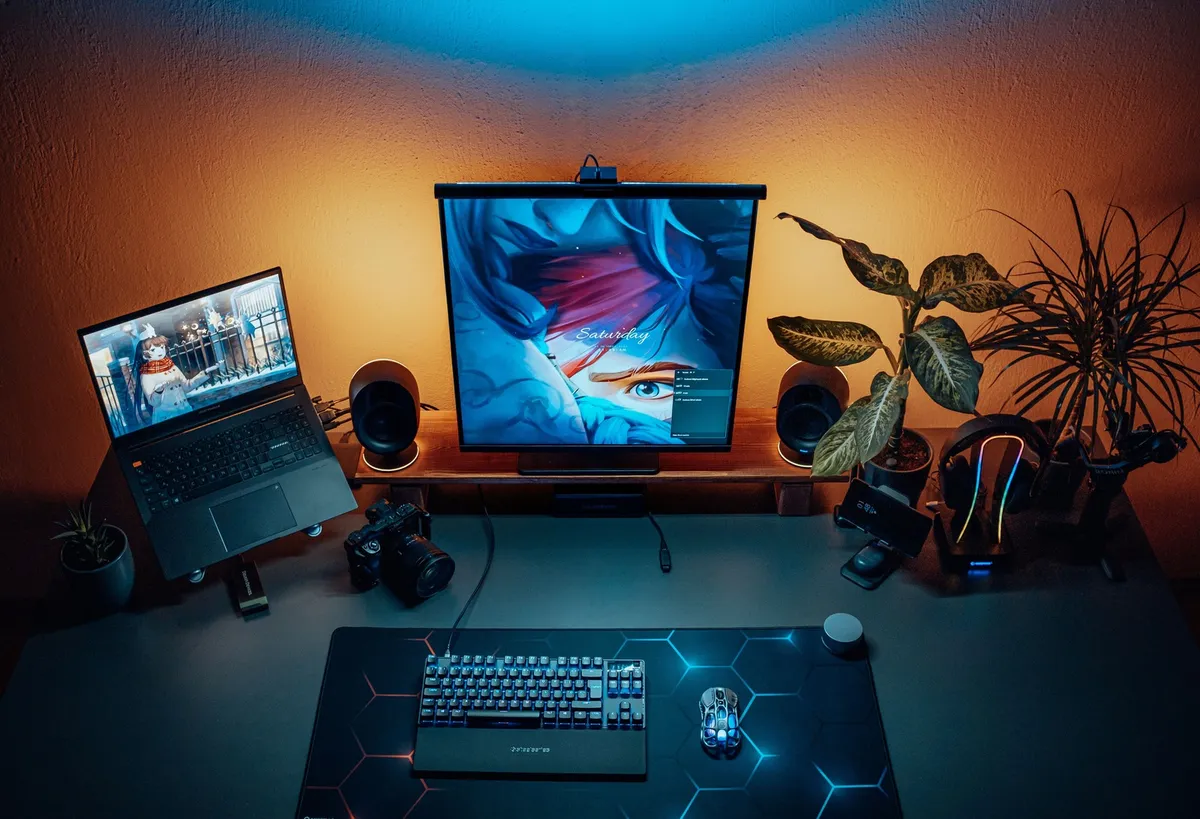
Use the wall above the desk instead of expanding sideways. A couple of floating shelves handles reference books, a small plant, and whatever you’d otherwise pile on the surface. Vertical storage keeps the desk clear and the space feeling intentional, not cramped.
Cable management is also non-negotiable here. Velcro cable ties to bundle cords together and a small cable management box tucked under the desk keeps wiring invisible. It takes about 20 minutes to set up and makes a surprising visual difference.
This works for: Living rooms, bedrooms, hallways — anywhere you’re borrowing space from another room. See also: How to Organize a Home Office Desk (Even If You Have No Space)
2. The Dual-Monitor Power Setup
If you spend your day switching between tabs, managing spreadsheets, running video calls, or doing any kind of comparison work, a dual-monitor setup pays for itself in reduced mental friction almost immediately.
The arrangement question — side by side vs. stacked — depends on your work. Side-by-side horizontal works best when you’re referencing one screen while working on another. Stacked monitors work well for social media managers or anyone who scrolls vertically more than they compare horizontally.
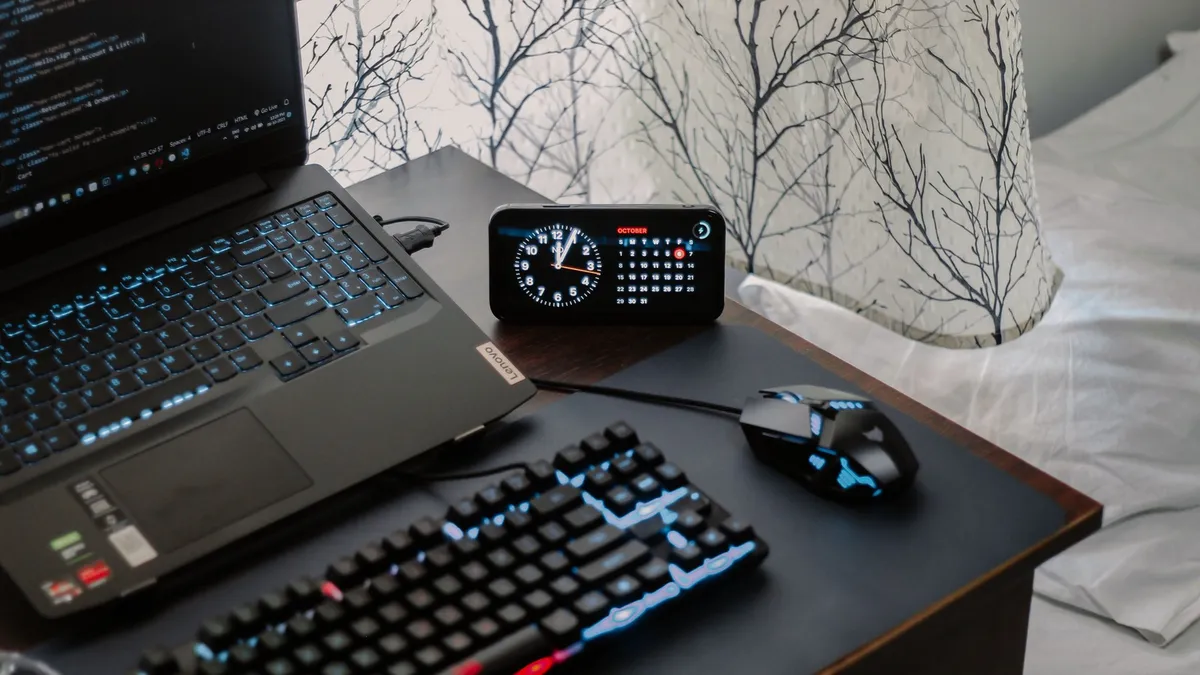
Before you buy anything, check your desk depth. You need at least 24–30 inches of depth to avoid eye strain with standard monitors. If your desk is shallow, a dual monitor arm that adjusts distance and height is often more useful than a static stand.
The visual overwhelm of two monitors is real. Anchor the desk with a clean center point — usually your keyboard — and keep everything else off the surface. The monitors create enough visual weight on their own.
This works for: Anyone in finance, project management, content creation, or any role with complex multitasking.
3. The Standing Desk Setup
Standing desks divide people — some swear by them, others try them once and go back. The truth is they work best as sit-stand setups, not standing-all-day setups. The goal is to shift positions throughout the day, not to stand for 8 hours straight.
If you’re not ready to replace your desk, a sit-stand converter that sits on top of your existing surface is a budget-friendly way to test the setup before committing. It’s not as elegant as a full motorized desk, but it works.
One non-negotiable if you stand: an anti-fatigue mat. Standing on hard floors for even an hour causes fatigue that moves up your legs fast. Anti-fatigue mats are widely available and make standing sessions noticeably more comfortable.
Organization gets trickier when you’re moving the desk surface up and down. Keep loose items in a small tray or organizer that stays at one end of the desk. Nothing should be free-floating on the surface when you change heights.
This works for: People with back issues, those who feel sluggish sitting all day, or anyone who wants more movement built into their work routine.
4. The Murphy Bed + Desk Combo Setup
Studio apartments and guest rooms that need to pull double duty are where this setup shines. Murphy bed systems with integrated fold-down desks let you have a full workspace during the day that disappears completely at night.

What to look for: desks that fold down flush and lock in place, integrated shelving that doesn’t require you to clear the whole unit to close it, and enough desk surface to fit your actual gear. Some budget-friendly options are essentially wall-mounted fold-down desks sold separately from the bed — these work fine if you don’t need the desk and bed simultaneously.
The most important habit for this setup is making it closeable in under 60 seconds every evening. That means nothing lives permanently on the desk surface. Use a small bin or tray that you slide onto a shelf when you fold up — it holds your daily items and moves as one unit.
The psychological benefit here is real: when the desk folds up, work is done. It’s one of the cleanest work/life separation systems you can create in a small space.
This works for: Studio apartment dwellers, guest room double-duty spaces, or anyone who needs a strong “office closed” cue at the end of the day.
5. The Closet Office (Cloffice) Setup
A reach-in closet becomes a surprisingly functional home office when you remove the hanging rod and add a desk surface at the right height. The best part: close the doors and it disappears completely.
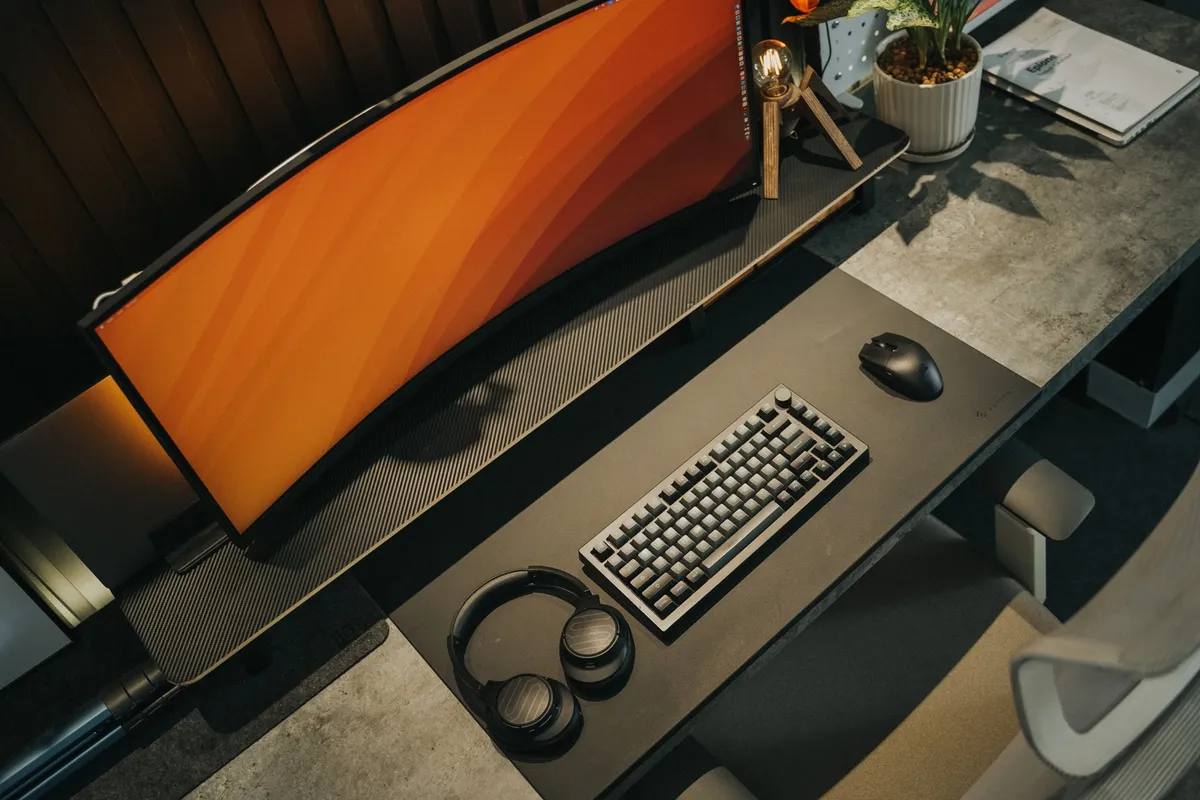
For renters, this is particularly appealing because most of the best solutions require zero drilling. Freestanding shelving units, tension rod shelf organizers, and removable adhesive hooks do most of the organizational heavy lifting. A wall-mounted fold-down desk or even a simple board cut to fit the closet width creates the desk surface.
Lighting is the make-or-break factor in a cloffice. Closets are dark, and dark spaces look terrible on video calls. LED strip lights along the top shelf edge or a small clip-on lamp directed toward your face make a dramatic difference. Warm white LEDs work better than cool white for video call skin tones.
For power, a simple extension cord run neatly along the baseboard handles most setups. Cord clips keep it flush against the wall.
This works for: Renters, small apartments, anyone who wants a workspace that can be completely hidden when guests arrive. See also: How to Turn a Closet Into a Home Office on a Budget
If you’re skimming, slow down for the next few — some of the most practical setups are in the second half of this list, especially #10 if you’re sharing your space with other people.
6. The Minimal Laptop-Only Setup
Just because your setup is simple doesn’t mean it can’t be intentional. A laptop-only setup without any system gets cluttered and uncomfortable fast. The good news is that a few small additions make it dramatically better.
The single biggest ergonomic upgrade: a laptop stand plus an external keyboard and mouse. This gets your screen to eye level (preventing neck strain) while keeping your wrists in a neutral position. It’s not complicated, and it’s one of the most affordable setups on this list.
For organization, use a daily reset rule: when work is done, everything except the laptop goes off the desk. A small pouch or zip case keeps your external keyboard, mouse, and cables together so setup takes under 2 minutes in the morning.
The accessories for a laptop-only setup are compact and travel well — which makes this the right choice if you split your time between home and a coffee shop or coworking space.
This works for: Freelancers, part-time remote workers, people in small apartments, or anyone who travels frequently and needs consistency between locations.
7. The Video Call-Ready Setup
If you’re on video calls more than 2 hours a day, your background and lighting are part of your professional presentation — whether you’ve thought about it that way or not.
Camera height is the first thing to fix. A webcam or laptop camera at desk level shoots up your nose. Mount your camera at eye level using a monitor arm, a small camera shelf, or a stack of books (seriously, it works). Eye-level framing looks more professional than almost any other single change.
For backgrounds, simple beats styled. A plain wall, a tidy bookshelf, or a simple piece of art behind you reads as competent and calm. A room divider can create a clean background in a shared space without any renovation.
Lighting: a ring light or key light placed at eye level in front of you fills in shadows and makes you look significantly more awake. Place it directly in front, not off to the side.
For sound, a rug behind your chair, a bookshelf on a wall, or even an acoustic panel absorbs echo that hard surfaces bounce back. This matters more in rooms with wood floors or bare walls.
This works for: Anyone on video calls daily — managers, client-facing roles, teachers, therapists, coaches.
8. The Paper-Free Digital Setup
If paper piles are your primary source of desk chaos, going digital isn’t just aesthetic — it’s functional. The paperless setup removes the physical backlog entirely.
A compact document scanner is the entry point. You scan, shred, and file digitally. Most portable scanners handle a stack of papers quickly and sync to cloud storage directly. The key is having a digital filing system ready before you start scanning, otherwise you just create a different kind of clutter — disorganized folders instead of disorganized paper.
For notes and planning, a tablet with a stylus (like an iPad with an Apple Pencil, or a dedicated e-ink writing tablet) replaces notebooks entirely for many people. The advantage is searchability — you can find a meeting note from 3 months ago in seconds.
A small shredder parked under the desk handles documents after scanning. Set a rule: any paper that comes in gets scanned within 24 hours, then shredded or filed in a single physical folder for things that must be kept as originals.
This works for: People whose paper piles are their biggest organization problem, roles with high document volume, or anyone who frequently works across multiple locations.
9. The Creative Professional Setup
Designers, photographers, illustrators, and makers need desk setups that work differently from standard knowledge-work setups. The surface area requirements are higher, the tools are more varied, and “clean desk” sometimes means “ready to work” rather than “empty.”
A pegboard above the desk is the highest-impact addition for creative setups. It keeps tools visible and accessible without occupying desk space. Pegboard accessories are widely available and highly customizable — you can configure and reconfigure as your workflow changes.
Desk lighting matters more for creative work than for most other setups. A daylight-balanced lamp (5000K color temperature) reduces color distortion when you’re working with printed materials or physical artwork alongside a screen. Position it to avoid glare on your monitor.
For supply organization, keep only what you use daily within arm’s reach. Everything else belongs in labeled bins on a shelf or in a rolling cart beside the desk. The goal is a desktop that can be cleared quickly but keeps your most-used tools immediately available.
This works for: Graphic designers, photographers, illustrators, crafters, and anyone doing visual or physical creative work alongside digital work.
10. The Shared Family Space Setup
Working from a living room or dining room when you don’t have a private room is genuinely hard. But it’s also fixable — just not with the same solutions that work for private offices.
A rolling utility cart is the most practical tool for this setup. It holds your work supplies, travels to your work zone in the morning, and rolls back into a closet or corner at the end of the day. Your workspace packs up rather than permanently occupying shared space.
Noise-canceling headphones are the single most important investment for shared-space remote work. Not “nice to have” — genuinely necessary if you share space with children, a partner working from home, or anything with a TV. They signal “I’m working” as much as they block noise.
Visual boundaries matter too, even without physical walls. A specific chair you only sit in during work hours, a small rug that defines your work zone, or a lamp that’s only on during work time — these cues train both you and the people you live with to recognize your working state.
This works for: Parents, people in shared housing, apartment dwellers without a spare room, or anyone working alongside a partner who’s also home.
11. The Ergonomic Health-First Setup
If your back hurts, your neck is stiff, or you’re exhausted by 2 PM every day, the problem might not be your workload — it might be your posture, and the setup creating it.
Three non-negotiables for any ergonomic setup:
- Monitor at eye level — the top of your screen should be at or just below eye level when you’re sitting upright. A monitor riser or adjustable monitor arm handles this.
- Chair with lumbar support — your lower back should be supported, not rounded. A proper ergonomic chair is the most important single piece of furniture in your setup.
- Wrists neutral while typing — your keyboard should be at a height where your wrists are flat, not bent upward. A keyboard tray or adjustable desk can fix this.
Beyond those three, a wrist rest reduces strain during long typing sessions. A footrest is surprisingly useful if you’re shorter than average — standard desk heights are built for people around 5’8”, and dangling feet create hip and back tension over time.
Quick 5-minute ergonomic audit:
- Sit at your desk in your normal working posture
- Check: can you see the top of your monitor without tilting your head up?
- Check: are your forearms parallel to the floor while typing?
- Check: is your lower back touching the chair back, or floating in space?
- Check: are your feet flat on the floor or a footrest?
Fix the first thing you notice. Then come back for the next one.
This works for: Anyone experiencing physical discomfort during or after work, people with previous back or neck injuries, and anyone who sits for more than 6 hours a day.
12. The Dedicated Spare Room Office Setup
If you have a spare room and you’re still not treating it like a real office, that’s the first thing to fix. The physical setup follows from the mental commitment.
Start with zone planning rather than just filling the room with furniture. A dedicated desk zone for focused work, a storage zone for files and supplies, and if you’re on calls frequently, a separate corner with better lighting and a cleaner background as your “meeting zone.” Three zones don’t require a large room — they just require intention.
Bookshelves and filing cabinets work in a home office when they’re treated like real office furniture — labeled, organized by category, and not used as a dumping ground for miscellaneous household items. A filing cabinet with a label maker is a 2-hour organization project that pays back every time you need a document.
If the room also needs to function as a guest room, a daybed or trundle works better than a full bed because it reads as “seating” most of the time and doesn’t visually dominate the workspace. A storage ottoman doubles as guest luggage space and off-season file or supply storage.
This works for: Anyone lucky enough to have a dedicated room — and committed to actually using it as an office rather than a dumping ground.
Common Mistakes That Ruin a Remote Work Setup (And How to Avoid Them)
Even good setups fail when a few consistent habits undercut them. Here’s what to watch for:
-
Working from the couch “just this once” — Every time you work from the couch, you weaken the signal your dedicated workspace sends to your brain. The habit compounds fast. Keep work at the desk, even on easy days.
-
Buying gear before solving your layout — A new chair or monitor doesn’t fix a fundamentally awkwardspace. Map your room, figure out where the desk actually fits and where the light comes from, and only then start shopping. Gear bought for a layout that doesn’t exist yet usually ends up returned or shoved in a corner.
-
Ignoring lighting — Dim overhead lighting or harsh overhead fluorescents cause eye strain and fatigue faster than almost anything else on this list. Natural light from the side is ideal. If that’s not available, a desk lamp with adjustable warmth makes a bigger difference than people expect.
-
Skipping cable management — Cords multiply fast, and visual clutter reads as mental clutter even when you’re not consciously noticing it. A $10 bundle of cable clips solves 90% of this problem in under 30 minutes.
-
Not planning for storage — A desk with nowhere to put things will always get cluttered, no matter how disciplined you are. Before you finalize any setup, ask where the mail, the notebooks, and the random cords are actually going to live. If you don’t have an answer, they’ll live on your desk.
None of these mistakes require expensive fixes. They require a five-minute walk-through of your space with fresh eyes, ideally before you buy anything new.
Where to Start: Pick Your Setup and Build From There
You don’t need to pick a perfect setup on the first try. Start with two questions: how much space do you actually have, and what’s bothering you most about your current setup right now? If it’s clutter, start with the corner desk approach. If it’s discomfort, start with the ergonomic audit. If it’s noise or interruptions, the shared family space setup has your answer.
Resist the urge to overhaul everything at once. Pick one upgrade — a monitor riser, a lamp, a cable clip set — and implement it this week. Small, consistent changes stick better than a weekend renovation that you’re too exhausted to maintain.
If one of these 12 setups matched your situation, save it or bookmark this page so you can come back to the specific advice when you’re ready to shop or rearrange. And whichever setup you land on, remember that consistency does more heavy lifting than any piece of furniture. The same spot, the same start time, and the same basic routine every day will make almost any setup work better than it does right now.
What do I need for a basic remote work setup at home?
At minimum, you need a dedicated surface (even a small desk or table), good lighting, a comfortable chair, and reliable internet. Adding a monitor riser and external keyboard dramatically improves ergonomics and productivity without spending a lot of money.
How do I set up a home office in a small apartment?
Look for unused vertical space and underutilized corners. A compact corner desk, a cloffice (closet office), or a fold-down wall-mounted desk can create a real workspace in even a studio apartment. The key is defining a boundary — a small rug or specific chair can signal “work zone” even without walls.
How can I make my home office background look professional on video calls?
A clean, uncluttered background is more important than a fancy one. Position your camera facing a plain wall, a tidy bookshelf, or a simple piece of art. A ring light placed at eye level will improve how you look on camera more than almost any background change.