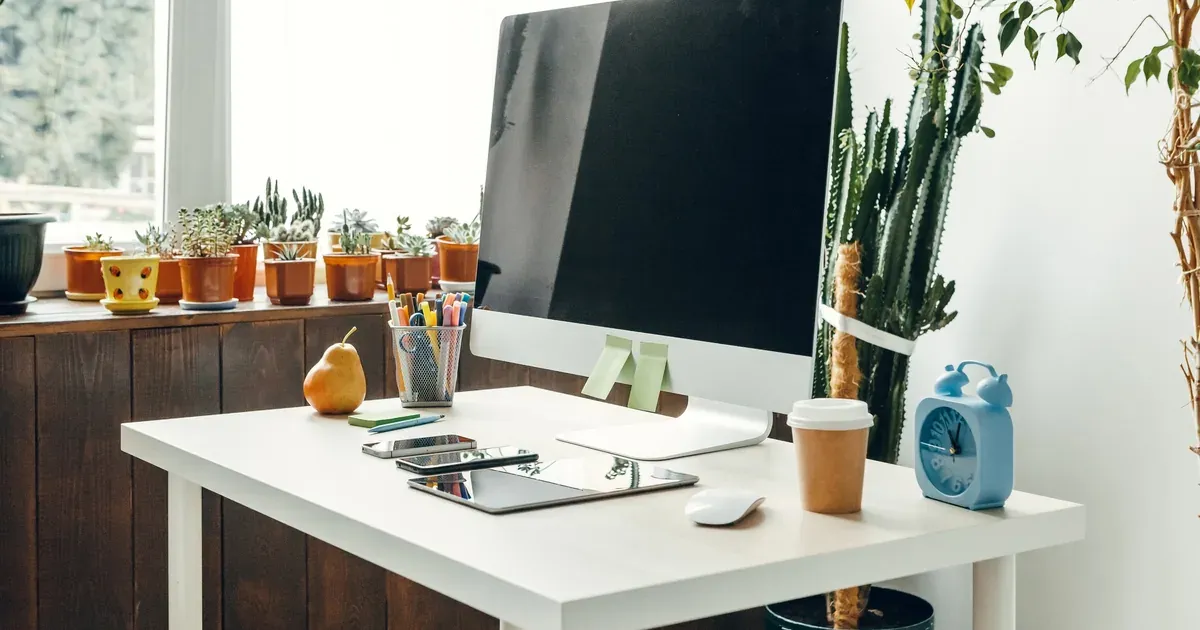
If your current “home office” is wherever your laptop lands that day, you’re not alone — and you’re probably also losing about 20 minutes a day just mentally reorienting before you can do real work. The pile of cables, the papers breeding on your desk, the charger you can never find at 8:59 AM for a 9:00 AM call. It adds up.
Here’s the thing: you don’t need a dedicated room, a big budget, or a Pinterest-ready setup to work well from home. You need a space that’s consistent, intentional, and actually set up to support how you work.
These 10 remote work setup ideas are practical, renter-friendly where possible, and designed for real homes — not staged showrooms. If your current setup is making you feel scattered before your first meeting, start here.
Quick self-audit: Your setup might be working against you if you notice any of these:
- Cords tangled under or across your desk
- No consistent place to put papers when they arrive
- Squinting or leaning toward your screen
- Starting your day by clearing off your “desk” before you can use it
- Feeling like you’re never quite “at work,” even when you are
If two or more of those hit close to home, keep reading.
1. Choose a Dedicated Spot and Commit to It
The single most important remote work setup move isn’t a product — it’s a decision. Picking one place and using it every day trains your brain to shift into work mode faster.
Your spot doesn’t have to be a full room. A closet with the doors removed and a floating shelf installed makes a surprisingly functional alcove office. A corner of your bedroom with a small desk and a lamp works. Even a defined section of your dining room can count — as long as it’s yours and you use it consistently.
The key is visual claiming. Give that spot a desk, a chair, and at least one object that signals “work” — a lamp you only turn on during work hours, a specific notebook you don’t use otherwise, even a small plant that lives there. Your brain responds to environmental cues more than most people realize.
Common mistake to avoid: Using the kitchen table as your permanent office. It puts you in the middle of household traffic, it means setting up and breaking down your work gear daily, and you’ll never fully mentally arrive at work because that table is also where you eat dinner and sort mail. Even a cheap folding table in a quieter corner beats it.
Small-space options worth looking into: wall-mounted fold-down desks, compact corner desks, and floating wall shelves configured as a standing desk surface. These are widely available and take up far less floor space than a traditional desk.
2. Get Your Desk Surface Under Control
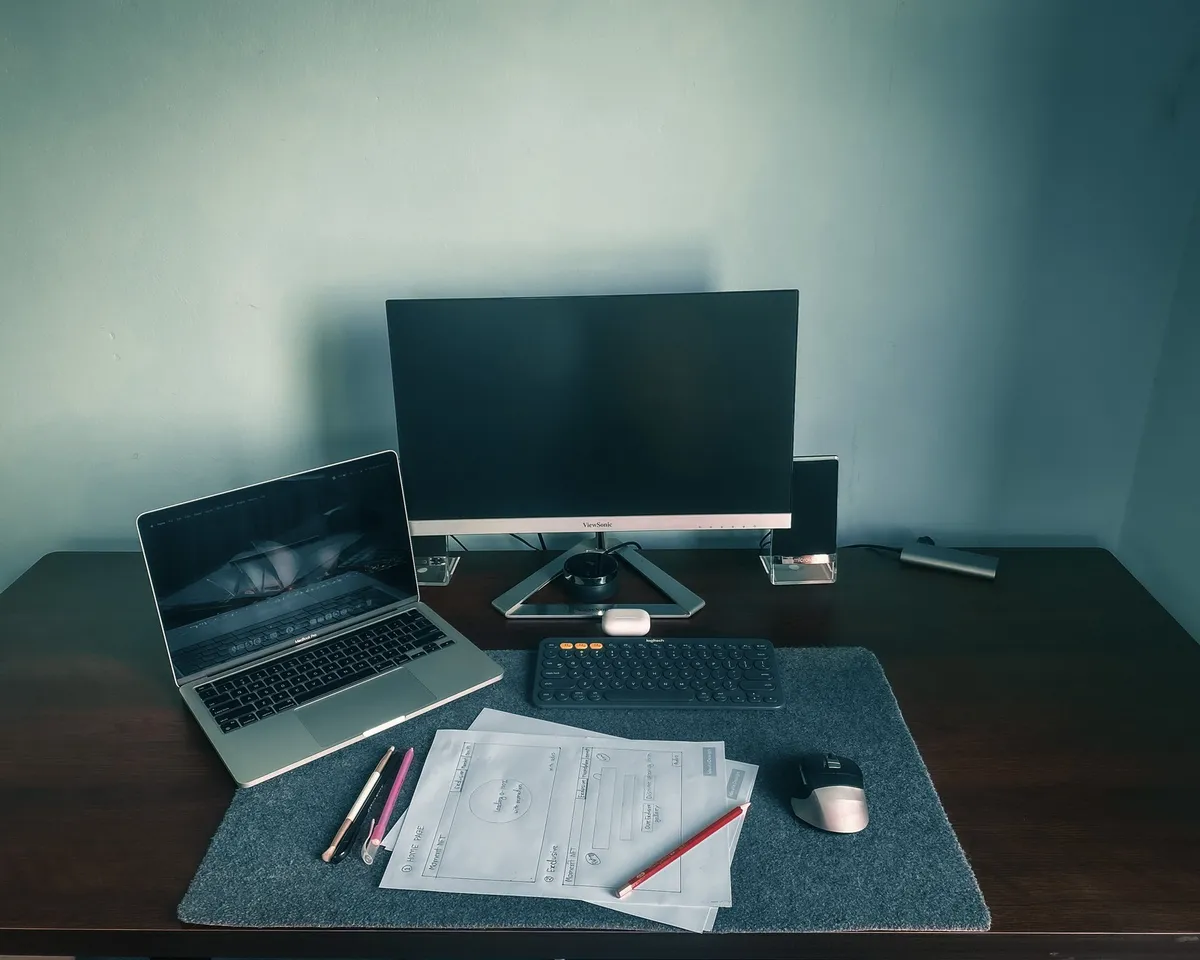
A cluttered desk isn’t just visually messy — it’s cognitively expensive. Every object your eye lands on that isn’t relevant to your current task is a small interruption. Over the course of a workday, those micro-interruptions add up.
The rule that actually works: only what you use daily lives on your desk surface. Everything else gets a drawer, a shelf, or a different home entirely.
Think of your desk in three zones:
- Screen zone — your monitor or laptop, nothing else competing for that central real estate
- Writing zone — a small notepad, one pen cup, maybe your coffee (yes, that counts)
- Reference zone — one desktop organizer tray for things you glance at often, like a planner or a single folder of active projects
Items worth getting for desk surface control:
- A desktop organizer tray with compartments (bamboo ones look good and hold their shape)
- A small letter sorter for active project folders
- A single cup or container for pens — not a jar holding 47 of them
Common mistake: Using your desk as a landing pad at the end of the workday. Papers, mail, random items pile up overnight and you start every morning already behind. Give everything on that desk a home, and take 5 minutes at end of day to put things back there.
3. Tame Your Cables Once and for All
Cable chaos is one of the biggest visual stressors in a home office, and it’s almost always entirely fixable in under an hour. You just have to actually do it.
Use a three-phase approach:
- Label first. Before you touch a single cord, stick a small piece of tape on each one and write what it is. You’ll thank yourself the next time something mysteriously stops working.
- Bundle second. Group cables that run in the same direction and secure them with velcro cable ties. Not zip ties — velcro, so you can undo them when things change.
- Route third. Run cables along desk edges or down table legs using adhesive cable clips. These stick on without drilling and are renter-safe.
Best renter-friendly solutions:
- Adhesive cable clips that attach to desk edges or baseboards
- A cable management box (basically a lidded box) to hide your power strip completely
- Under-desk cable trays that mount with adhesive or a simple clamp — no tools needed
- Velcro cable ties instead of zip ties for anything you’ll need to adjust
The goal isn’t perfection. The goal is “cords are not the first thing I see when I sit down.”
4. Set Up Vertical Storage to Multiply Your Space
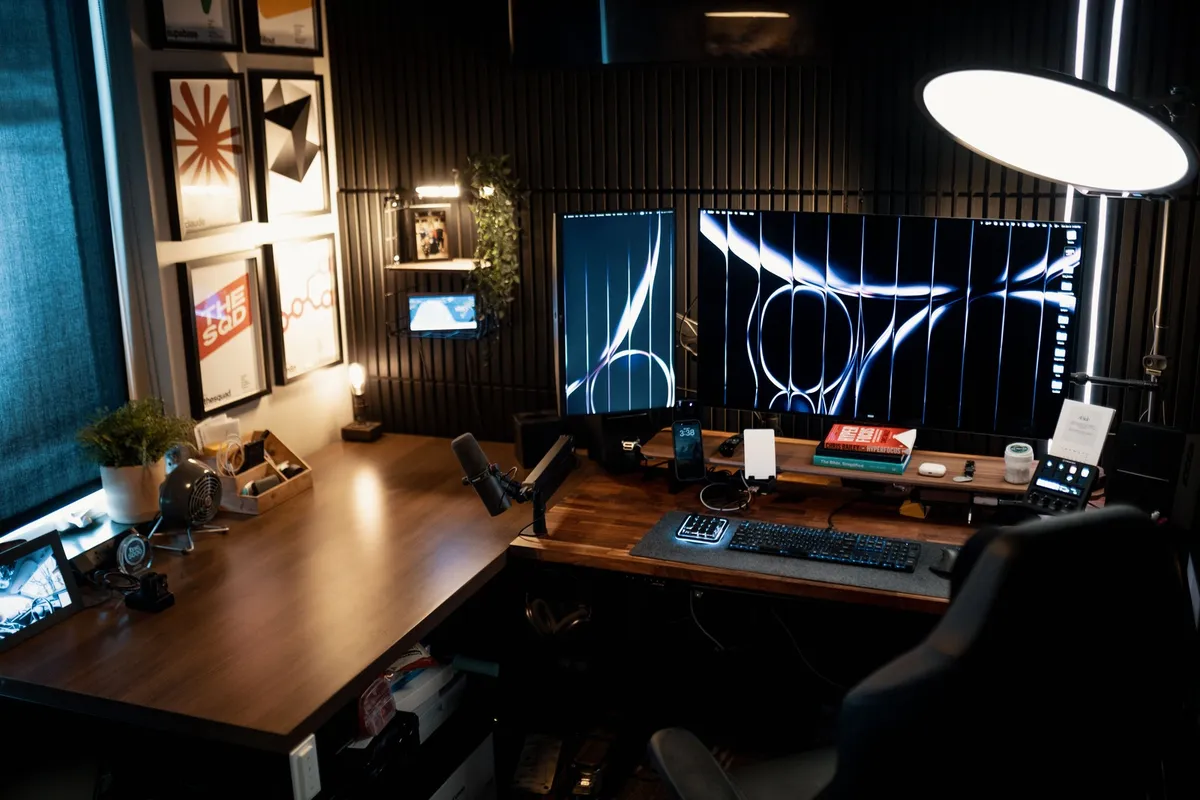
If your desk is running out of surface space, look up. Walls are the most underused storage real estate in a home office, and claiming even 24 inches of vertical space above your desk can completely change how organized the whole area feels.
If you can put holes in your walls:
- Floating shelves above the desk for books, binders, and supplies you need occasionally
- A pegboard section for headphones, scissors, frequently-used supplies
- Wall-mounted file pockets for active project papers
If you’re a renter or can’t drill:
- A leaning ladder shelf fits into a corner and adds several shelves of storage without touching the walls
- Over-door organizers work well on the back of a closet door or office door for supplies and folders
- Freestanding shelving units that sit beside your desk rather than hanging above it
As a general rule: store things vertically that you reference but don’t touch daily. Daily-use items (your planner, your current project folder, your pen) belong on your desk surface or in an easy-to-reach drawer. Things you need weekly or monthly go up on shelves.
5. Create a Paper Management System That Actually Sticks
Paper is the silent chaos-creator of home offices. One day you have a clean desk; three weeks later there’s a 4-inch stack you’re afraid to look at.
The system that prevents this is the three-bin inbox method, and it works because it removes the decision of “where does this go” in the moment:
- Action bin — things that need a response, a signature, or a task to be completed
- File bin — things you need to keep but don’t need to act on
- Shred/recycle bin — everything else (which is more than you think)
When paper arrives — mail, kids’ school forms, a printout from a meeting — it goes into one of those three bins immediately. Not “for now on the desk.” Immediately.
For the file bin, set up a simple desktop file box with labeled folders (taxes, insurance, home, health, etc.). You don’t need an elaborate system; you need one that works when you’re tired at 5:30 PM.
If you want to go mostly paperless: scan documents with your phone (free scanning apps work well), and store them in a folder system on Google Drive or your preferred cloud storage. Keep physical filing to a minimum.
Common mistake: The “deal with it later” pile. It grows. It never shrinks. Kill it before it starts by handling every paper the moment it lands.
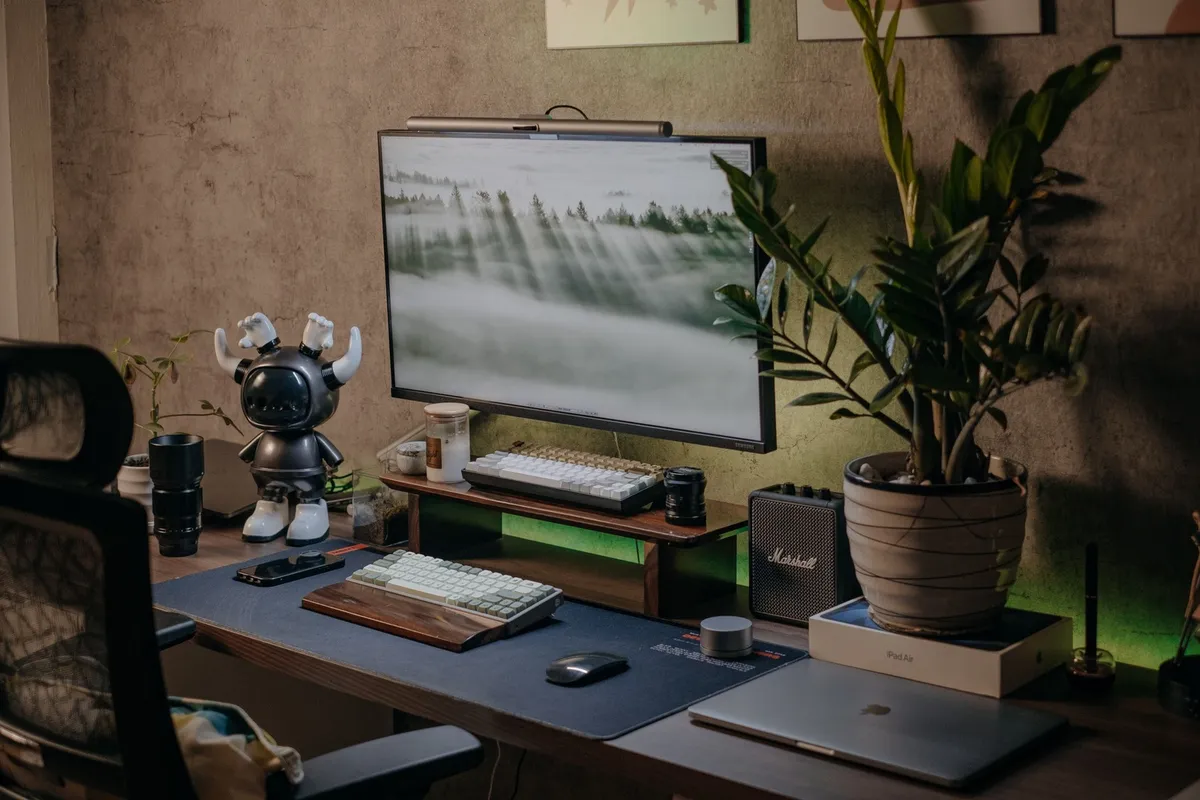
If you’re skimming this list, slow down for the next one — lighting is the most underrated upgrade in any home office, and it costs a lot less than you’d expect to fix.
6. Upgrade Your Lighting for Focus and Video Calls
Bad lighting doesn’t just look bad on Zoom — it causes real eye strain and fatigue that compounds over an 8-hour workday. If you’re ending your workday with a headache most days, your lighting setup might be a significant contributor.
Natural light placement: Position your monitor so windows are to your side, not directly behind or in front of you. Behind you creates glare on your screen. In front of you means you’re staring into the light source. Side-lighting is the sweet spot.
Two affordable upgrades worth making:
- An LED desk lamp with adjustable color temperature — warm light (around 2700K) for focused deep work, cooler light (5000K+) for detail work or when you need to feel more alert. These are widely available and a solid budget-friendly purchase.
- A clip-on ring light for video calls. Even a small one dramatically improves how you look on camera, which matters more than people admit when you’re on calls all day.
If you want to take it further, smart bulbs let you shift your whole room’s lighting from warm to cool without changing lamps — some people find the warmer evening setting genuinely helps them wind down after work.
7. Use Drawer Organizers to Stop the Junk Drawer Creep
Home office drawers become junk drawers within weeks if you don’t set them up intentionally from the start. And once a drawer becomes chaos, you stop using it — which means the stuff that should be in the drawer ends up on your desk instead.
Before you buy a single organizer, pull everything out and sort it into three categories:
- Daily use — pens you actually use, your stapler if you use it often, sticky notes
- Occasional use — scissors, tape, extra batteries, stamps
- “Why do I have this” — the 47 highlighters, the pen from 2019 that doesn’t work, the random keys you don’t recognize
Toss or donate the third category without guilt.
Best organizer inserts for standard desk drawers:
- Adjustable bamboo drawer dividers — they expand to fit different drawer widths and look much nicer than plastic
- Small plastic bin sets for supplies — stack or arrange by category
- A flat tray layer for daily-use items so you’re not digging
Apply the one-in-one-out rule to supplies: if you already have 6 packs of sticky notes, you do not need more sticky notes. Buying more office supplies when you already have plenty is how drawers fill back up.
8. Build a Charging and Tech Station
The “where is my phone charger / earbuds / laptop charger at 8:58 AM” scramble is entirely preventable. The fix is a dedicated charging zone where all your devices live when they’re not in use.
Here’s what a good charging station includes:
- A multi-port USB charging hub (so one outlet handles everything)
- A small tray, box, or drawer to corral the devices while charging
- Cable labels so you know which cord is which without tracing them
The most important rule: keep your charging station off your main desk surface. A side table, a small floating shelf, or a rolling utility cart beside your desk works great. This keeps your primary work zone clean and prevents the charging-related cord creep from taking over your desk.
This setup is also where you establish a habit: phone goes on the charging station when you start work, not beside your keyboard where every notification is visible. That one behavioral shift is worth more than most productivity tools.
9. Add a Pin Board or Planning Wall to Get Out of Your Head
Working from home often means your mental to-do list is constantly running in the background, which is exhausting. Externalizing that list — getting it out of your head and onto a visible surface — is one of the most effective focus tools you can add to a home office.
Options for every space and style:
- Corkboard with pins — classic, flexible, works for anything
- Magnetic whiteboard — great if you like to rewrite and reorganize frequently
- Wire grid board — hang notes, folders, small baskets; very customizable
- Large wall calendar — if your work is deadline-driven, this is often all you need
Renter-friendly mounting options: command strip mounting (many boards now come with this), leaning frames that rest on a desk shelf, or over-door hooks for a smaller board.
What to actually put on it: your top 3 priorities for the week, current project reminders, deadlines. Not a color-coded masterpiece you spend 40 minutes curating. The planning wall should reduce cognitive load, not create a new project.
10. Make the Space Feel Good Enough to Actually Use
This sounds soft, but it matters: if you don’t like your workspace, you’ll unconsciously avoid it. You’ll “work from the couch” more than you should. You’ll feel unsettled. Aesthetics aren’t vanity — they directly affect how often and how willingly you show up to your desk.
Simple additions that make a real difference without adding clutter:
- One small plant (pothos and snake plants survive almost anything)
- A candle or diffuser — scent is a surprisingly strong psychological cue for focus
- A mug you actually like drinking your coffee from
- A print or photo you chose intentionally rather than whatever’s nearby
Noise control: If you share your home with other people, a white noise machine or quality headphones can transform a chaotic environment into a workable one. This is one of the highest-ROI investments in a busy household.
Ergonomics are organization too — they’re just organizing your body:
- Monitor at eye level (use a riser or stack of books to start)
- Wrists in a neutral position when typing
- Lumbar support in your chair, or a rolled towel behind your lower back
You don’t need everything perfect. You need the space to feel like a place you chose, not a place that happened to you.
Where to Start
If looking at all 10 of these ideas feels like too much, good news: you don’t need to do all of them this week.
Start with the 20-minute reset — right now, before you close this tab:
- Clear everything off your desk surface
- Throw away actual trash
- Gather all loose cables and put them in one spot (even just a bag) so they’re not snaking across your workspace
- Identify your dedicated work spot if you haven’t already
That single reset costs you nothing and typically produces immediate improvement in how the space feels.
Suggested order of priority for all 10:
- Biggest ROI, do these first (under 1 hour each): #1 (commit to a dedicated spot), #2 (clear your desk surface), #3 (cable management), #6 (fix your lighting)
- Weekend projects worth doing: #4 (vertical storage), #5 (paper management system), #9 (planning wall)
- Ongoing maintenance and upgrades: #7 (drawer organizers), #8 (charging station), #10 (comfort and ergonomics)
The goal is a workspace that functions — not a workspace that photographs well. Pick two ideas from this list that feel most immediately relevant to your chaos. Do those this week. Come back for the rest later.
You can also check out How to Declutter Your Home Office in One Afternoon if you’re dealing with a bigger backlog before you can even start organizing, and 10 Desk Organization Ideas to Keep Your Workspace Clutter-Free for more surface-level strategies once your setup is in place.
FAQ
How do I set up a home office in a small apartment with no extra room?
You don’t need a separate room — a closet with the doors removed, a corner of your bedroom, or a dedicated section of a living room can all work well. The key is consistency: use the same spot every day so your brain associates it with work mode, and use vertical storage to keep things compact without eating into your floor space. See idea #1 and idea #4 for specifics on small-space setups.
What are the most important things to buy first for a remote work setup?
Start with the basics that affect focus and comfort most: a reliable chair with back support, a monitor riser or laptop stand to bring your screen to eye level, and a cable management solution to reduce visual clutter. These three changes have the biggest day-to-day impact before you get into anything decorative or elaborate. Check out How to Organize a Small Home Office When You Have No Space for a deeper dive on essentials.
How do I keep my home office organized when I have kids at home?
Create physical boundaries where possible — a baby gate, a closed door, or a simple visual cue like a lamp that signals “Mom’s on a call.” Use closed storage (bins with lids, drawers, boxes) so small hands can’t easily disrupt your filing system. Most importantly, do a 5-minutereset at the end of each workday so the space is ready to go the next morning, even if the rest of the house gets a little wild in between.