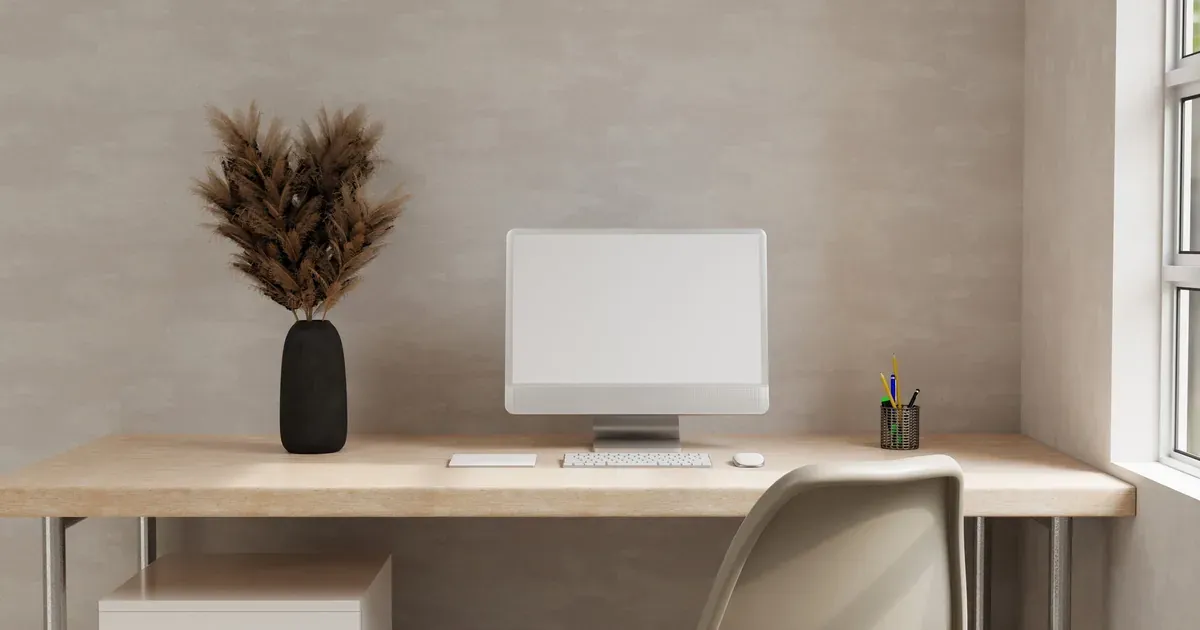
Your desk doesn’t need to look like a Pinterest board to help you get work done. It just needs to work — cords contained, supplies in reach, papers not creeping across the whole surface by Wednesday.
This list is for anyone working from a kitchen table corner, a closet with a shelf shoved in it, or a “spare room” that’s also the treadmill’s home. Twelve ideas, all doable without a renovation budget or a spare 200 square feet. Pick what fits your actual space, skip the rest.
Why Your Home Office Setup Affects More Than Just Looks
A messy desk isn’t just an eyesore — it’s friction. Every time you dig through a pile for a charger or can’t find the one pen that works, you lose focus you don’t get back easily.
Here’s the good news: a functional setup is actually less work to maintain than a “pretty” one. Pretty requires styling and upkeep. Functional just requires everything having a spot, so putting it away takes five seconds instead of five minutes of decision-making.
None of this requires a dedicated room. These ideas work for a nook, a shared space, or a corner of the guest room that moonlights as an office. The goal is a setup that holds up on a Tuesday afternoon when you’re juggling three tabs and a deadline, not just for the one photo you take when it’s freshly organized.
1. Define a Zone, Even If You Don’t Have a Spare Room
You don’t need four walls to have a “work area” — you need a boundary your brain recognizes. That can be a corner of the living room, a closet with the doors removed, or a nook under the stairs.
Why it works: mentally separating “work mode” from “home mode” is harder when your laptop lives on the same surface as dinner. A visual cue — a rug, a folding screen, a shelf that marks the edge — tells your brain you’ve stepped into work space, even if it’s six feet from the couch.
How to do it: pick a spot and commit to it being the only place you work from home. Add one visual marker — a small rug underfoot works well, or a freestanding room divider if you’re carving space out of a shared room. Renters can use a folding screen instead of anything mounted to the wall.
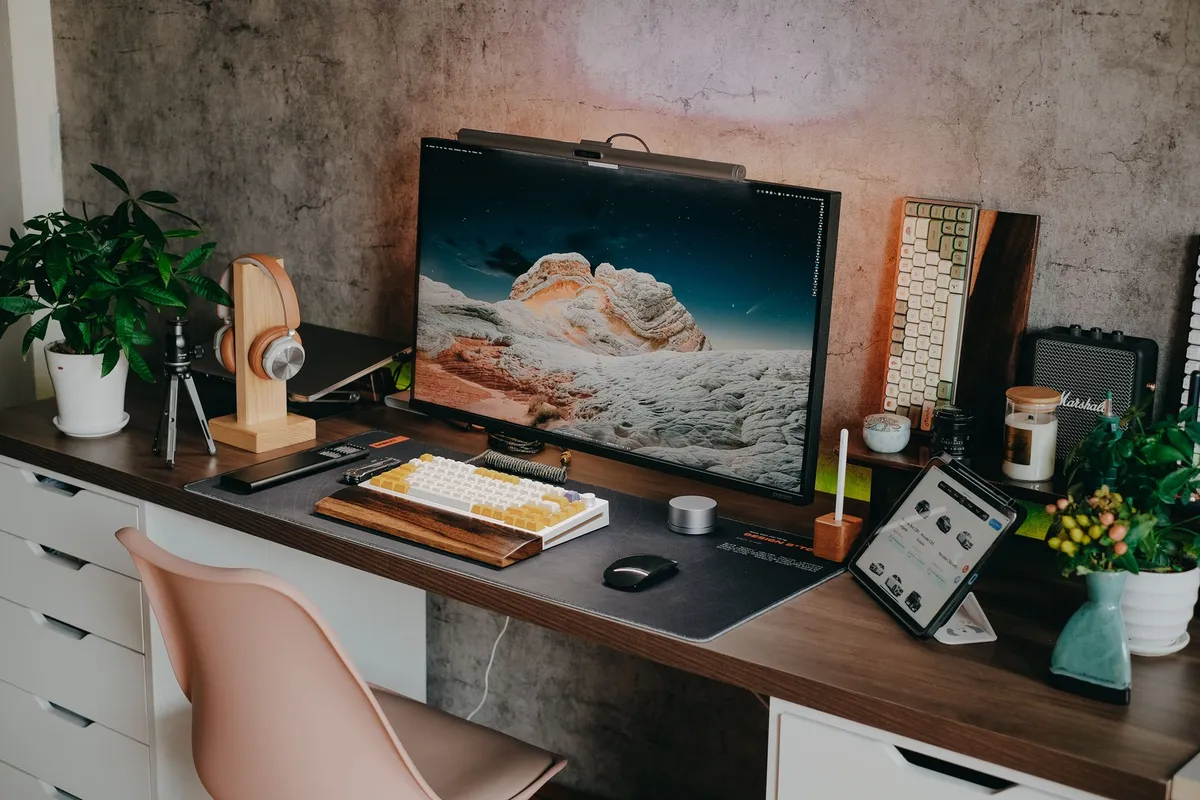
Once the zone is defined, everything else on this list gets easier to apply, because you’re organizing a space, not just a pile of stuff on a table.
2. Choose a Desk That Fits the Space, Not the Pinterest Photo
Measure before you shop. It sounds obvious, but the oversized “dream desk” from your inspiration board is the number one reason home offices feel cramped and unusable.
A desk that’s too big blocks walking paths, eats floor space you need for a chair to slide out, and ends up half-covered in stuff you don’t use daily just because there’s room to pile it. A desk that fits your actual corner does more with less.
For tight spots, look at corner desks that tuck into an angle, or floating wall-mounted desks that don’t need legs at all. Renters can use a no-drill floating shelf desk — many mount with tension or heavy-duty adhesive brackets instead of screws. If you’re working from a kitchen table corner permanently, even a slim console table can outperform a bulky desk that doesn’t leave walking room.
3. Get Your Cords Under Control First
Cord chaos is the single biggest reason a desk feels unfinished, even when everything else is tidy. Tangled charger cables and a mess of cords snaking to the outlet make a space look chaotic no matter how organized the surface is.
Start here before you buy anything else. Cable clips, a fabric or vinyl cord sleeve, and an under-desk cord tray can turn a rat’s nest into something you don’t even notice anymore.

If you’ve got multiple devices you plug and unplug often — laptop, monitor, phone, maybe a printer — label the cords with small tags. It saves you from unplugging the wrong thing and shutting off your monitor mid-call. This is a fast fix, usually under 30 minutes, and it makes the whole setup feel finished immediately.
4. Add a Desktop Organizer for Daily Supplies
Every desk needs one contained spot for the stuff you reach for constantly — pens, sticky notes, a charger, maybe scissors. Without it, that stuff spreads across the whole surface and turns into a junk-drawer-on-the-desk situation.
Look for an organizer with a mix of open compartments (for pens and notepads you grab often) and closed ones (for things like spare cables or paperclips you want contained but out of sight). One caddy beats five loose piles.
The trick is limiting yourself to what actually fits in it. If the organizer overflows, that’s a sign to declutter the drawer, not to add a second organizer next to it.
5. Use Vertical Space With Wall Storage
If your desk surface is small, your walls are your best friend. Pegboards, floating shelves, and wall-mounted grids move supplies off the desktop and onto the wall, which matters most in tiny offices or shared rooms where floor space is already spoken for.
A pegboard above the desk can hold everything from mail to headphones to small baskets for supplies, and you can rearrange it as your needs change. Floating shelves work well for books, binders, or a printer you don’t need reaching distance to.
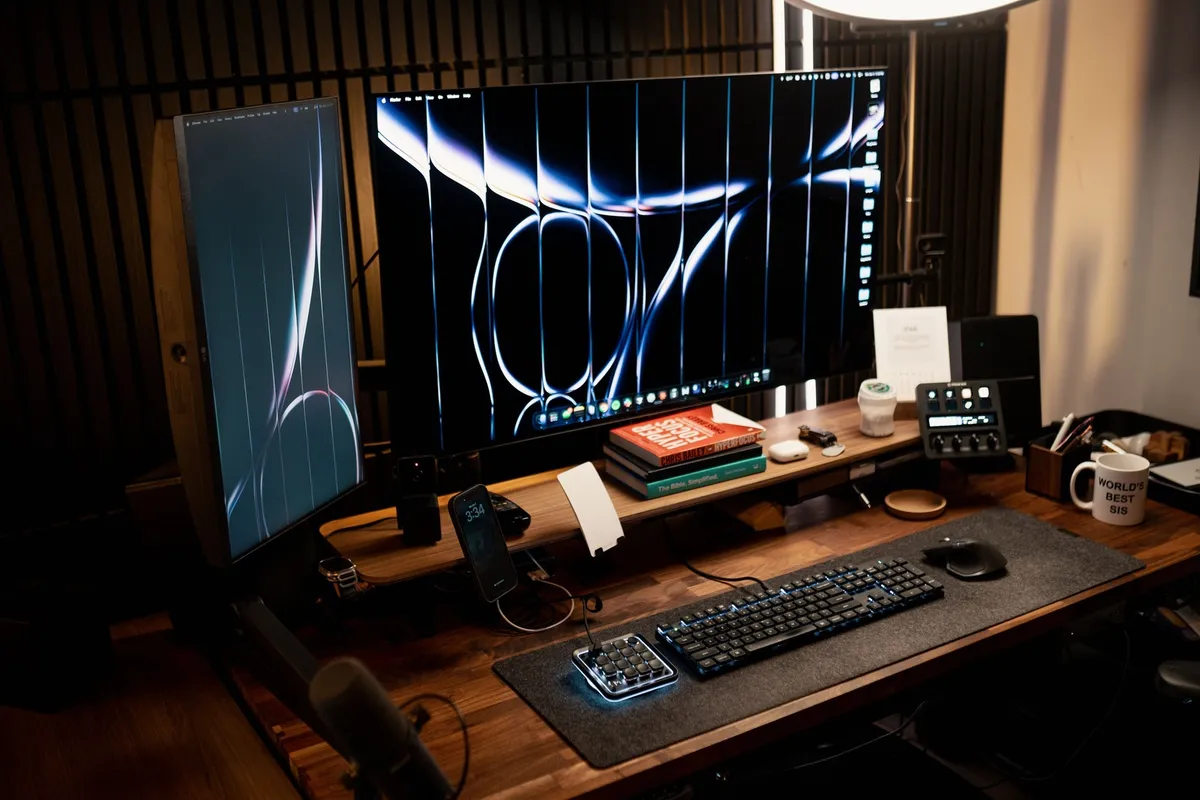
Renters don’t have to skip this one. Command-strip wall grids and adhesive-mount pegboards hold a surprising amount of weight without a single screw, and they come down clean when you move.
6. Set Up a Filing System You’ll Actually Use
A four-drawer filing cabinet is overkill for most home setups, and that’s probably why yours is empty except for one folder from three years ago. A simple accordion file or a small rolling 3-drawer cart does the job with way less real estate.
Skip complicated categories. Sort into three buckets: active (stuff you’re working on now), reference (stuff you might need again), and archive (tax documents, warranties — things you keep but rarely touch). That’s it.
Keep this system within arm’s reach of your desk. If it’s across the room or in a closet you have to dig through, you’ll stop using it within a month, and the papers will go right back to piling on the desk.
7. Rethink Your Chair Before Your Decor
Before you buy a cute lamp or a new desk mat, look at your chair. Comfort determines how long you can actually sit and focus before you’re up again, and that adds up over a full workday.
You don’t need an expensive ergonomic chair to fix this. A lumbar support cushion can turn a flat, unsupportive chair into something your back tolerates for hours. Pay attention to chair height relative to your desk, too — if your wrists bend upward to type, that’s a fast track to strain.
Desk Organization Ideas for Small Spaces can help once your chair’s sorted and you’re ready to tackle the surface itself, but comfort comes first. An organized desk you can’t sit at comfortably doesn’t get used.
8. Create a Docking Station for Devices
Designate one exact spot where your laptop, phone, and tablet charge overnight. This sounds small, but it eliminates the morning scramble of “where’s my phone charger” before you’ve even started work.
A small charging tray, stand, or multi-device dock keeps this contained to one area instead of outlets scattered around the room. If you share the space with family devices — a kid’s tablet, a partner’s phone — this keeps everyone’s stuff from colonizing your desk.
This pairs well with item 3 — once your cords are managed, adding a docking station is the natural next step instead of just another cord to tame.
9. Add Task Lighting, Not Just Overhead Light
Overhead light alone often isn’t enough. It can throw glare on your screen or cast shadows over paperwork, both of which strain your eyes over a long work session without you quite realizing why you’re tired.
An adjustable desk lamp solves this. Look for one with adjustable brightness so you can dial it up for detailed work and down for video calls. If your office is in a basement or windowless room, a daylight-mimicking bulb helps offset the lack of natural light and can make the whole space feel less like a cave.
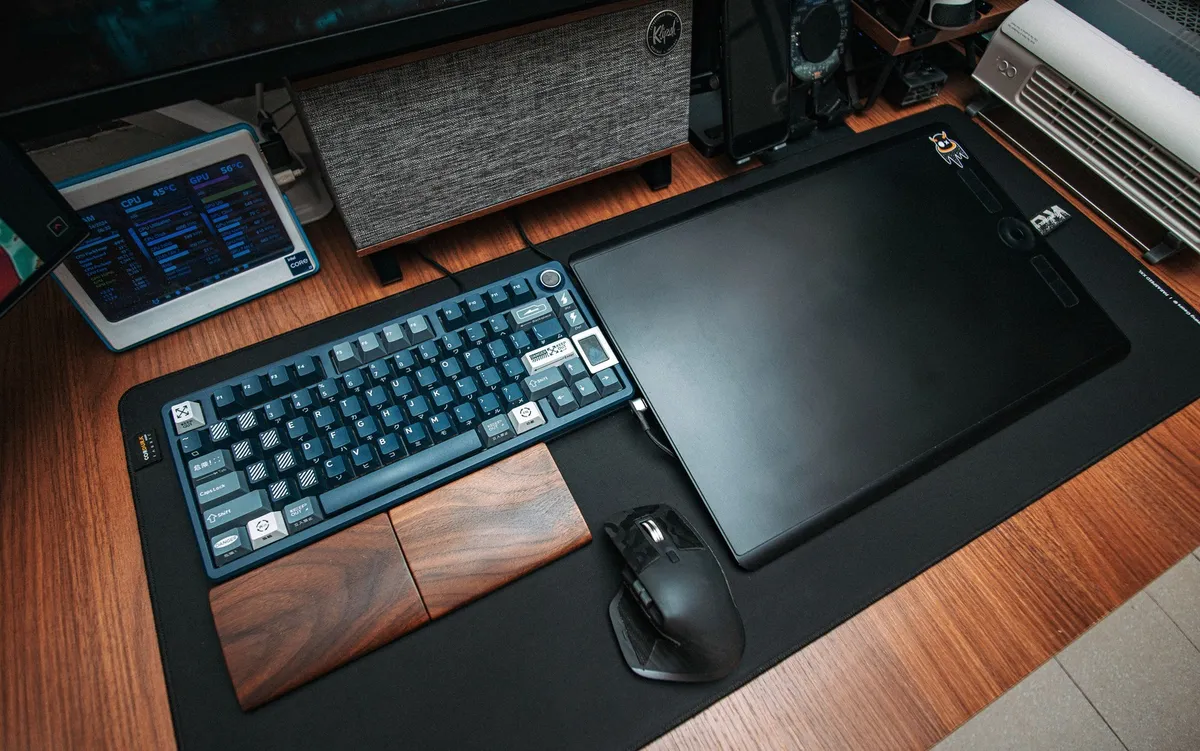
This is a small change that makes a bigger difference than most people expect, especially if you’re working long hours or your eyes feel tired by mid-afternoon.
10. Build in a “Landing Zone” for Mail and To-Dos
Without a designated spot, mail and loose to-do notes spread across the entire desk surface within days. A small tray or vertical file sorter solves this by giving paper one specific home instead of free rein.
A vertical sorter works better than a flat tray for most people — flat trays turn into “I’ll deal with this later” piles, while a vertical one makes it obvious when things are stacking up.
The key is reviewing it weekly. Set a recurring reminder to sort through it — otherwise the landing zone just becomes clutter storage instead of a working system, which defeats the purpose.
11. Use Under-Desk Space Instead of Ignoring It
Most people leave the space under their desk empty except for their feet, but it’s some of the most useful real estate in a small home office. Rolling bins or stackable crates fit neatly into that dead zone and add storage without taking up any additional floor space.
Use this space for things you reach for often but don’t need on the desktop — printer paper, a backup notebook, extra office supplies. Keep rarely used items elsewhere so this space doesn’t turn into overflow storage you forget about.
Just leave enough room for your legs to actually move, and for a footrest if you use one. Cramming bins under there defeats the comfort gains from item 7.
12. Set a 5-Minute Reset Routine for the End of the Day
If you slow down for one item on this list, make it this one — it’s the difference between a setup that stays organized and one that needs a deep clean every few weeks.
Before you close your laptop for the day, spend five minutes putting things back in their zones: pens in the organizer, mail in the landing zone, cords tucked away. Clear the desk surface completely if you can.
This does double duty. It keeps the physical space functional, and it signals to your brain that work is actually done for the day — which matters more than people expect when your office is ten feet from your living room.
Where to Start If You’re Overwhelmed
You don’t need to do all twelve of these in one weekend. Pick one, get it working, then layer in the next.
If you’re not sure where to begin, start here:
- Fix your cords first (item 3) — it’s the fastest visual improvement and takes under an hour.
- Add a desktop organizer (item 4) — contains daily clutter immediately.
- Build the 5-minute reset habit (item 12) — keeps everything else from sliding back into chaos.
Everything else can come in over the following weekends. Think of it as six pillars: zone, surface, storage, comfort, light, and a reset habit. You don’t need to nail all six today — just don’t skip the reset habit once you’ve built the rest, or you’ll be back where you started in a month.
For paper specifically, How to Manage Paper Clutter for Good goes deeper than what fits here if that’s your biggest pain point.
FAQ
How do I set up a home office in a small space?
Focus on vertical storage, a compact or floating desk, and a defined zone rather than a full room. Wall shelves, pegboards, and under-desk bins let you maximize a corner or nook without needing extra square footage.
What’s the most important thing to buy for a home office setup?
A comfortable chair and good task lighting matter more than decor. These directly affect how long you can work without discomfort or eye strain, which impacts productivity far more than aesthetics.
Can I set up a home office without drilling into walls?
Yes — command-strip wall grids, floating shelf desks with no-drill mounts, and freestanding pegboards all work well for renters. Look for adhesive-based or freestanding versions of any wall storage.
How much does a basic home office setup cost?
You can improve a setup significantly with a few affordable items like a desktop organizer, cable clips, and a desk lamp. Start with one or two upgrades rather than buying everything at once.
If you only do one thing tonight, tackle the cords under your desk. It takes less time than an episode of whatever you’re watching, and it’s the fastest way to make your whole setup feel like it finally clicked into place.